Your first morning ritual
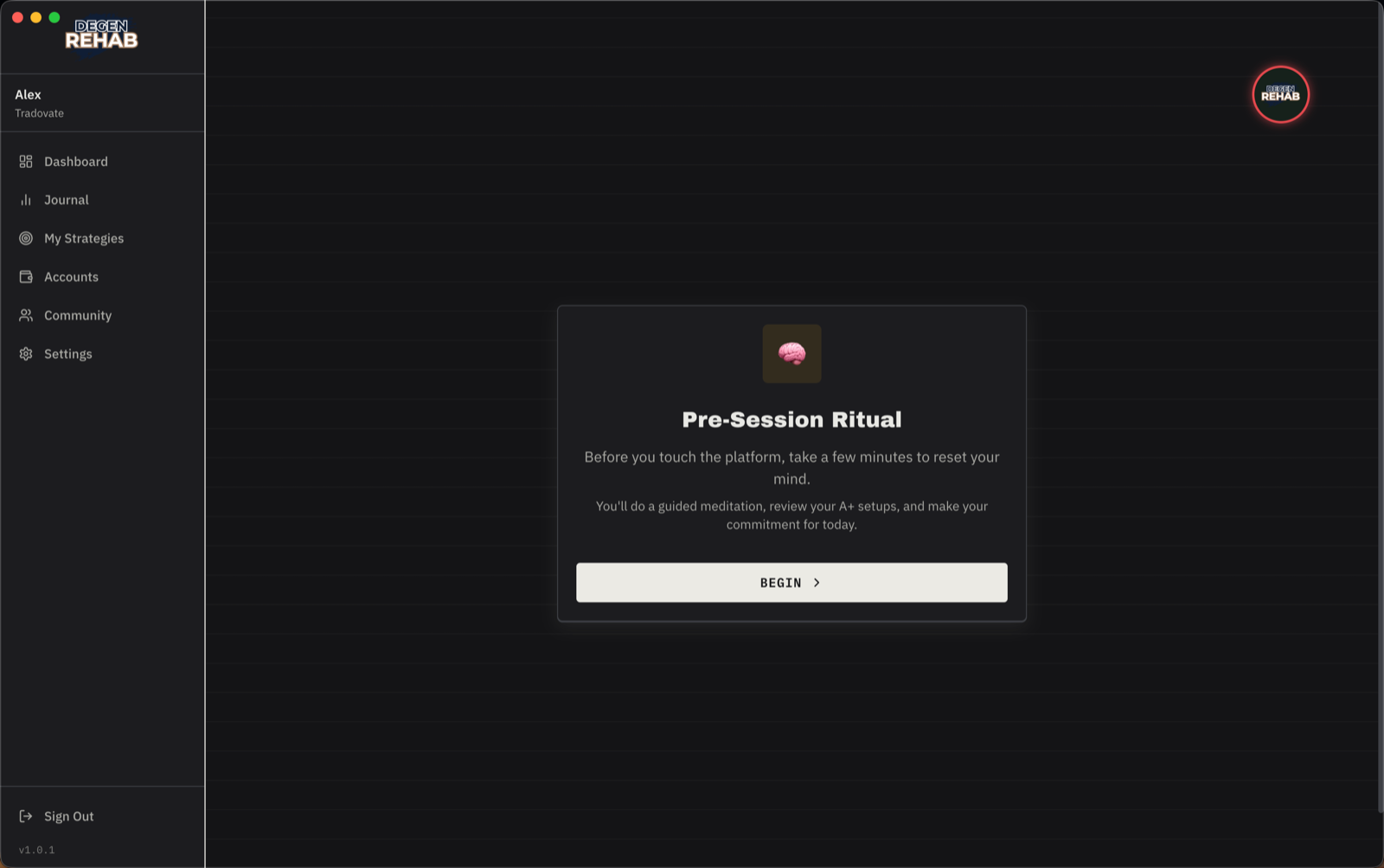
Every trading day starts locked. The ritual is how you unlock it: about six minutes that put you in the right state before you touch the platform. You cannot skip any part of it, and that is the point.
Start it
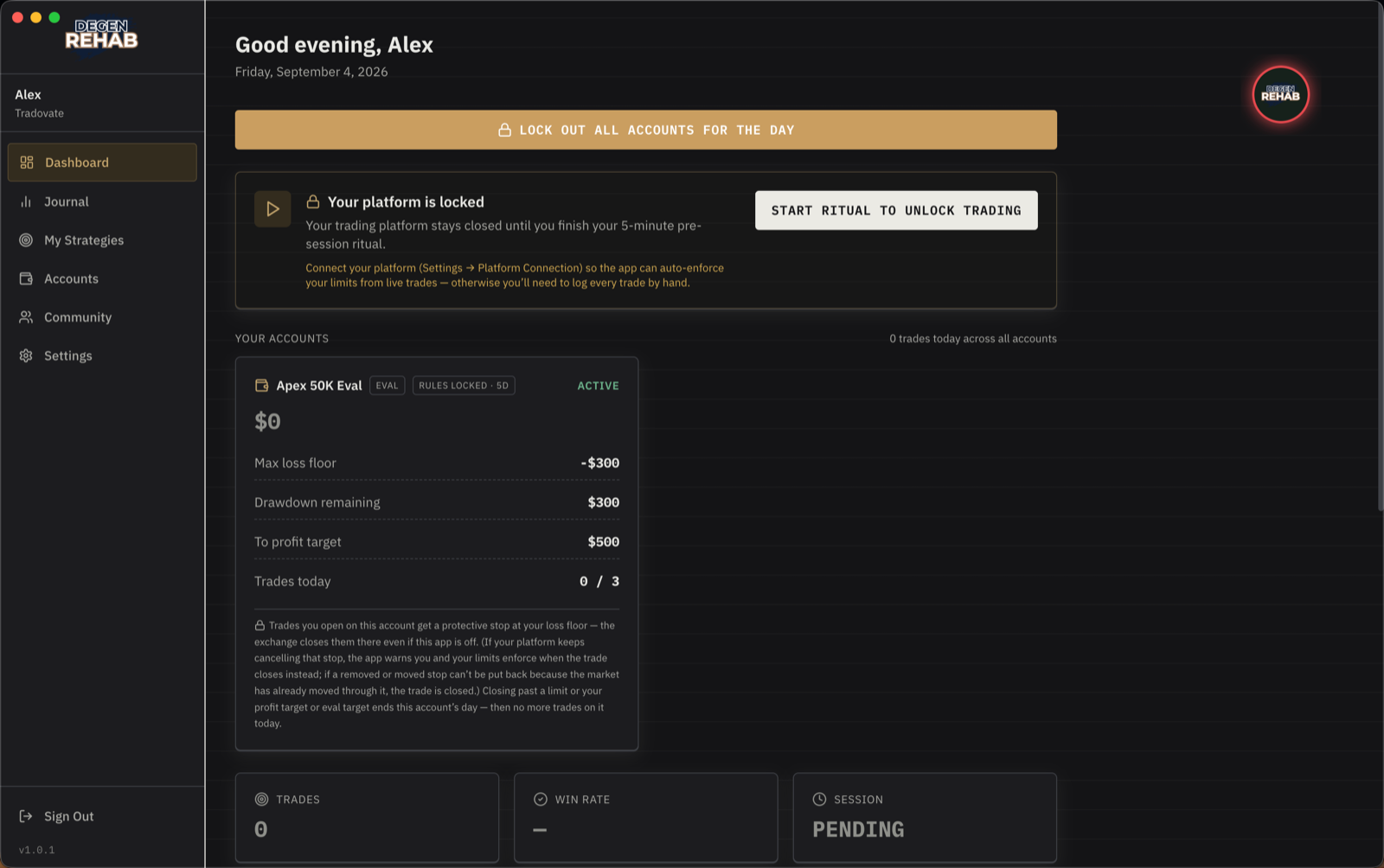
On the Dashboard, the top card says Your platform is locked. The floating badge is red. Click Start ritual to unlock trading.
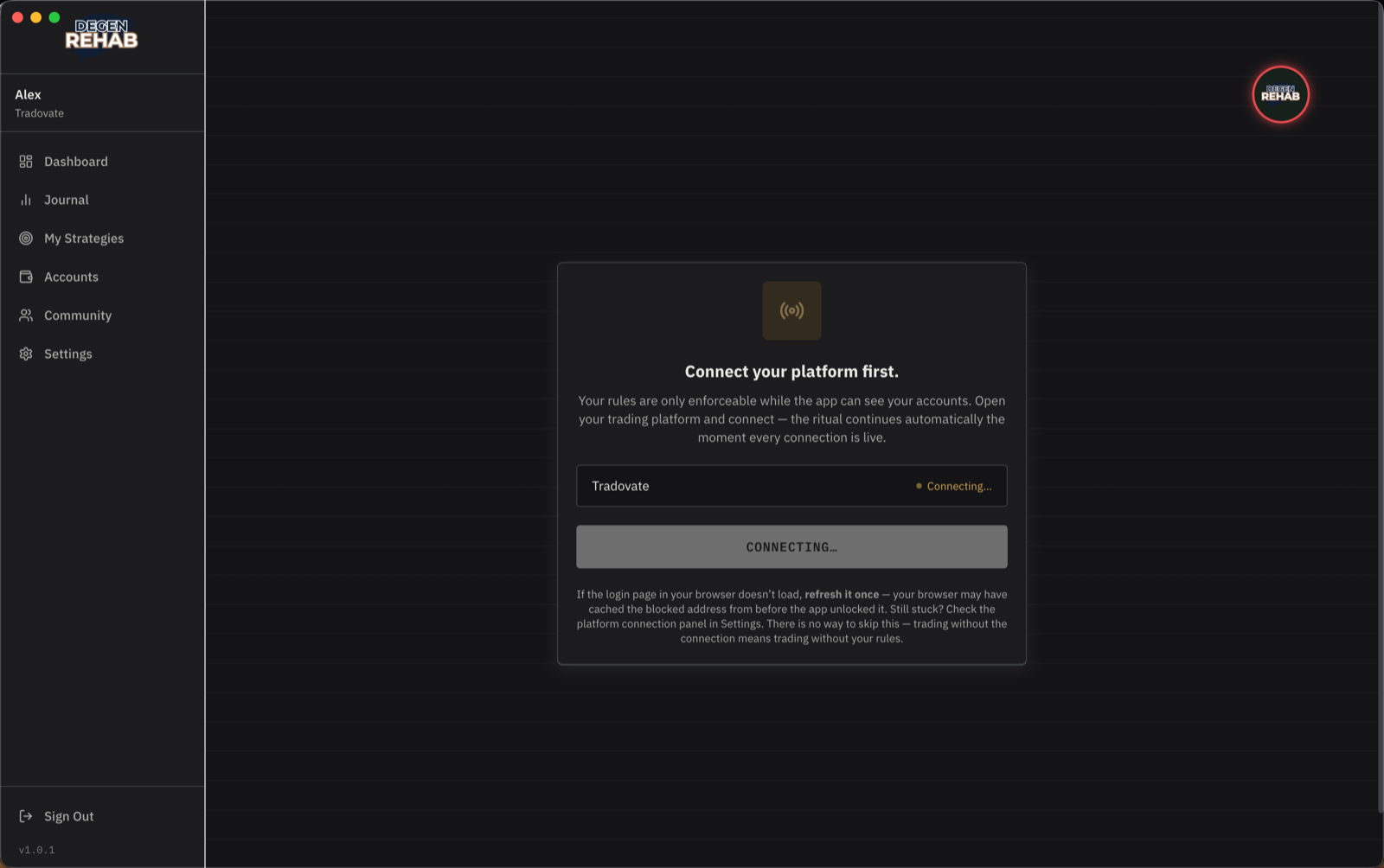
1. Connect your platform
The ritual connects your platform first. Tradovate opens its sign-in page in your browser; sign in there. Trader Workstation and NinjaTrader 8 connect from your computer: open the platform and sign in, and the app attaches by itself within half a minute. The moment every connection is live, the ritual moves on. There is no skip: trading without the connection means trading without your rules.
Signed up before the connection became part of onboarding and never connected? The ritual offers the connection here too, with a Continue without connecting option. Nothing is enforced on your accounts until you do connect.
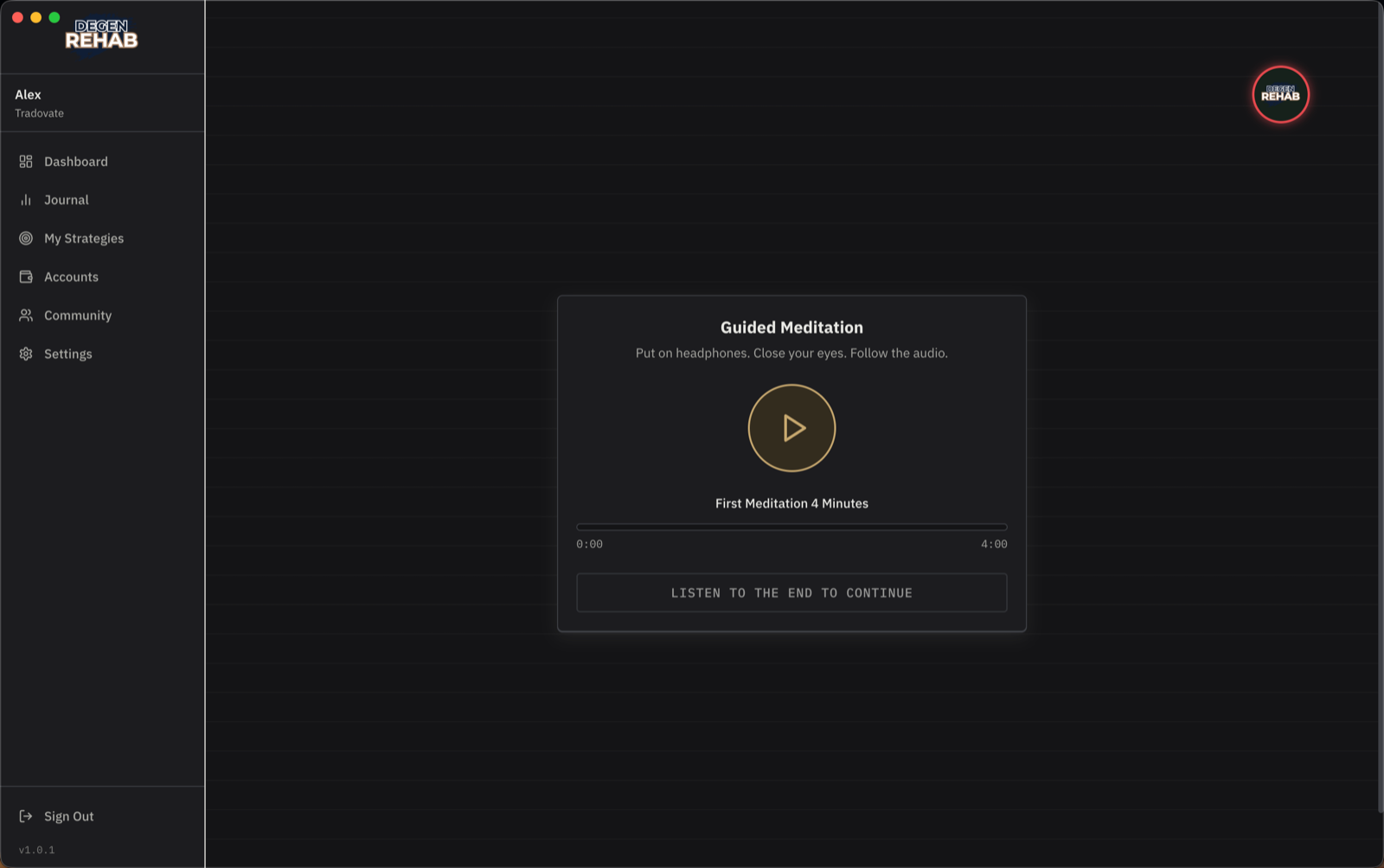
2. Guided meditation
Put on headphones, press play, close your eyes, and follow the audio. It is four minutes. The Continue button only appears when the track has played to the end.
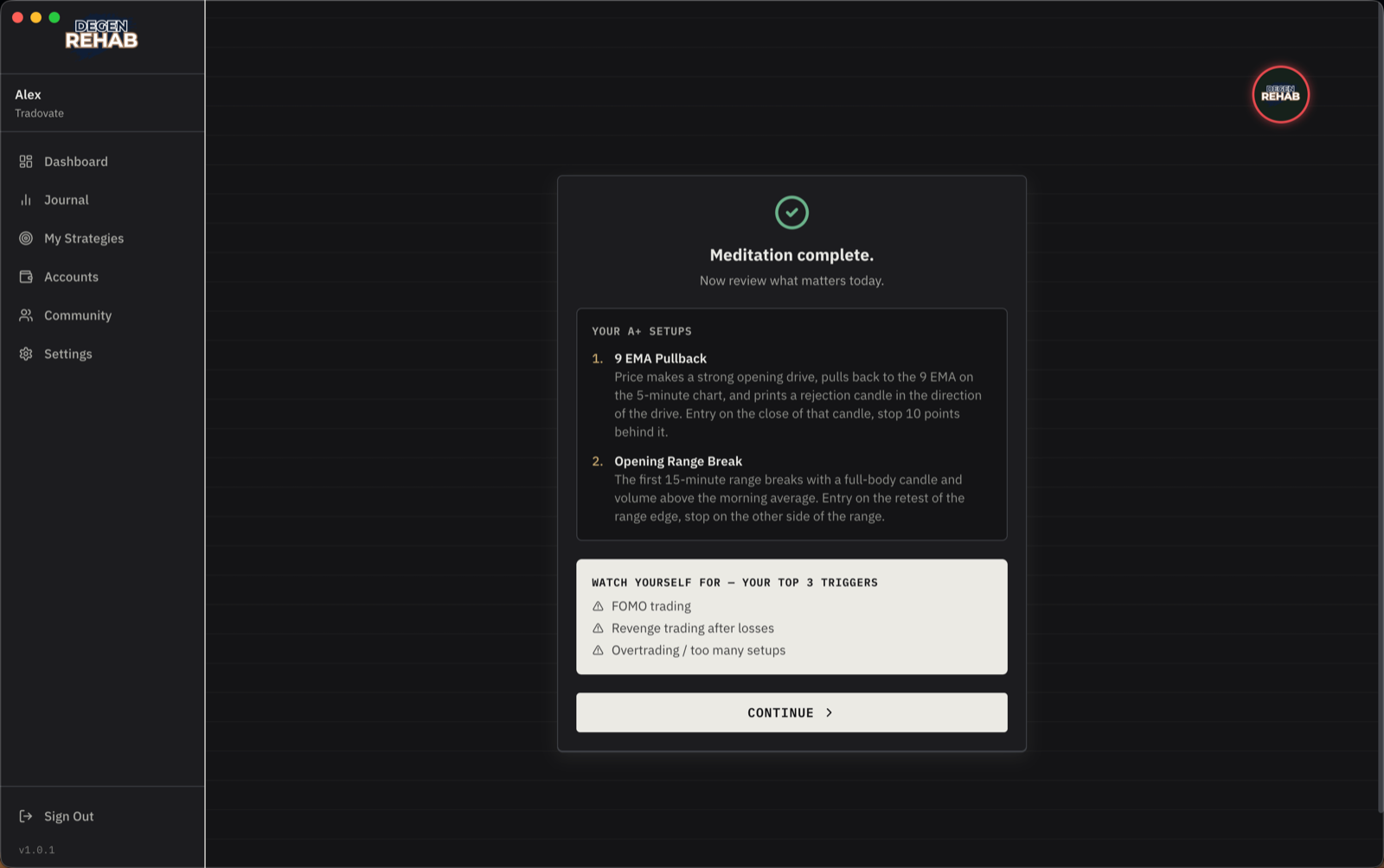
3. Review what matters today
Your A+ setups, in full, and your top three triggers from onboarding. Read them. These are the only trades you take today, and these are the things that will try to talk you out of that. The ritual is not finished yet on this screen, and an entry opened now is closed on sight, so when you are done reading press Continue to your commitment at the bottom.
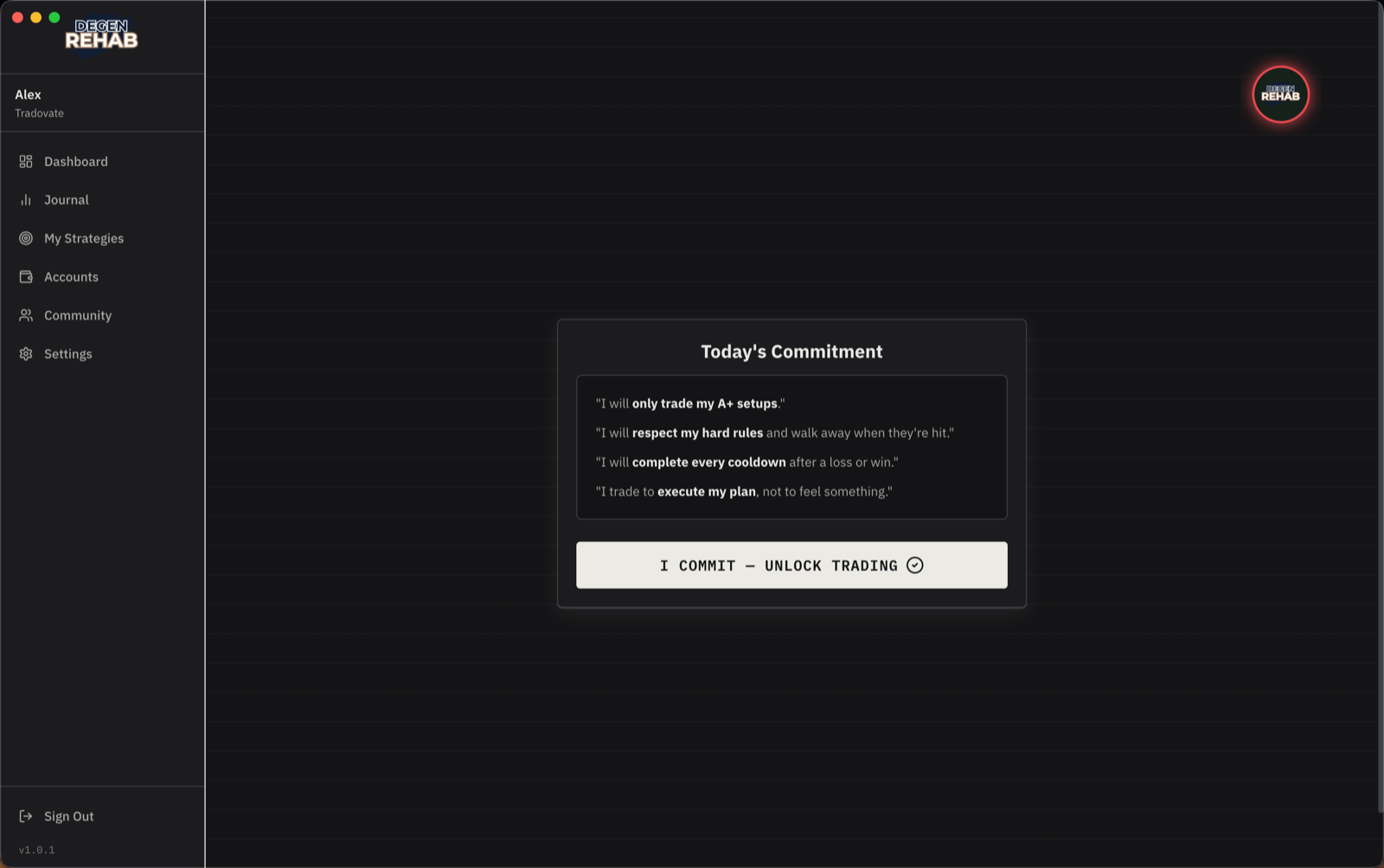
4. Today's commitment
Four lines. Read them like you mean them, then click I commit to unlock trading.
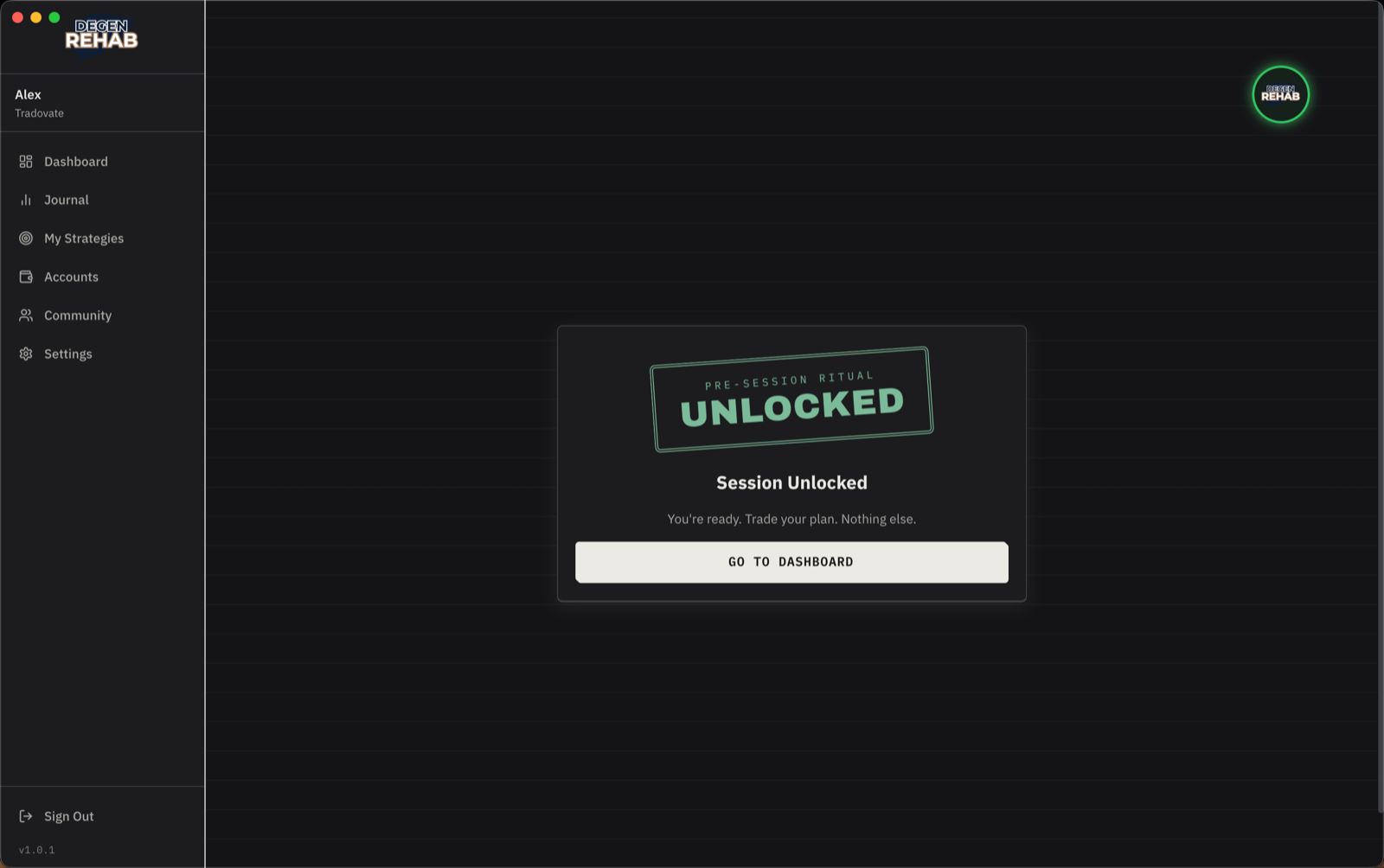
Unlocked
The badge turns green. The Dashboard session reads Active and the Log Trade button lights up. Trade your plan. Nothing else.